VST3 + STANDALONE · WINDOWS + LINUX
DANIEL'S SLOPPYNET
A clarinet with a range of psychedelic sounds and textures.
- Caroline, No demoClarinet chords in the center and melody on the side
- Music Hall PigAn original 60s music-hall shuffle: Classic Pig and Klezmer Wink on the tune, Staccato Hops chords, Sub Mushroom bass
- Purple DroneAn original psychedelic piece: Spaced Pig and Tape Trip leads over Purple Pig Haze, Kaleido Staccato and Backwards Barn
- I Talk to the Wind demoSmoky Bar Legato lead, a staccato piano part and a sub-octave bass
- Nights in White Satin demoThe flute break on Spaced Pig, Purple Pig Haze, Kaleido Staccato and Tape Trip
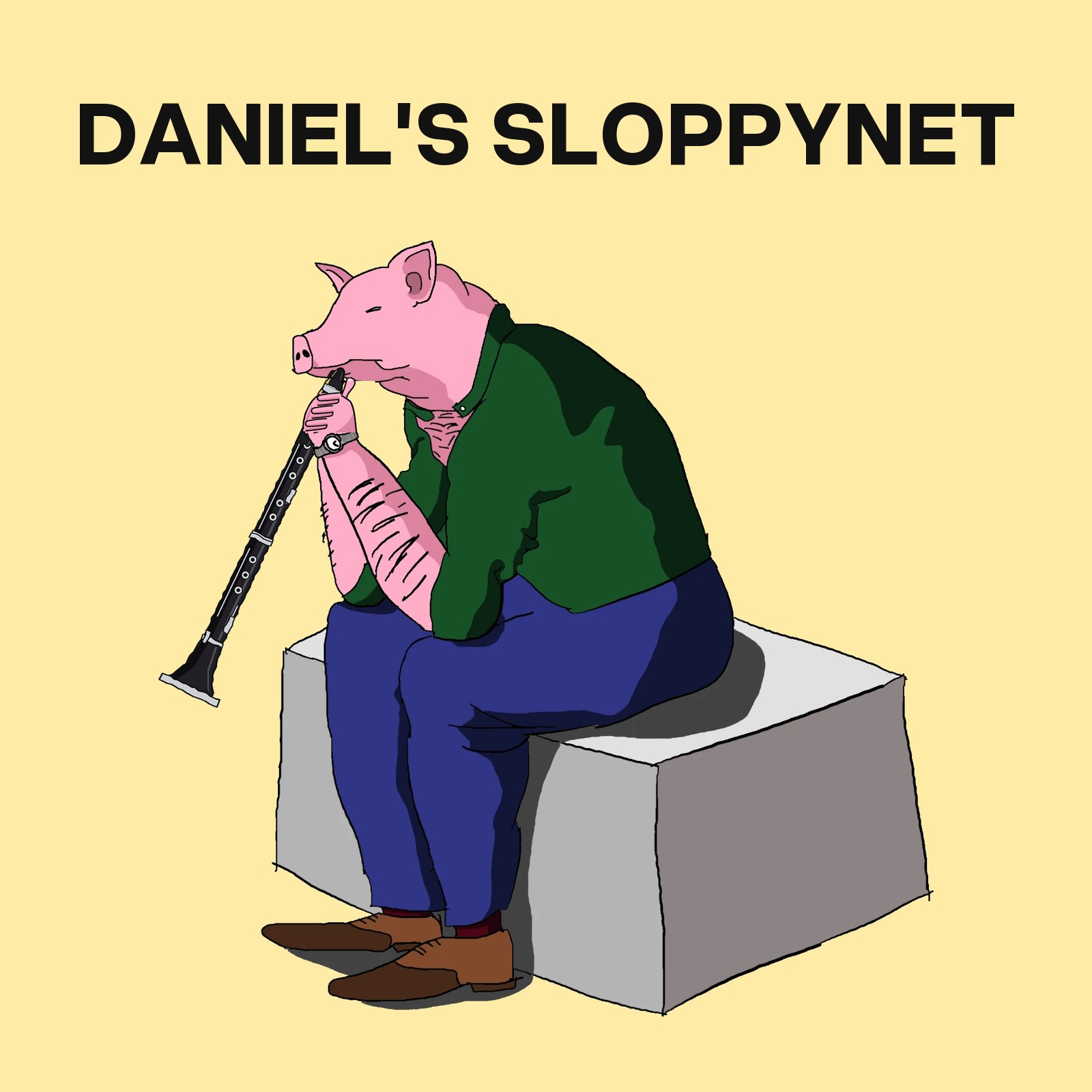
Daniel's Sloppynet started as a joke between band rehearsals. We needed a clarinet solo, so we got our friend Daniel to do it. While we were at it, we decided to sample each note he was capable of playing. As Daniel is a big paint art enthusiast he drew the pig illustration as a representation for the visual side of the VST. We implemented everything one may need to get a great-sounding clarinet solo. On top of that we needed many sound choices that can turn the instrument from clean and accurate to weird, psychedelic and synth-like.
Under the hood there is a proper sampled instrument with looped sustains and tight staccatos. Turn the psychedelic mixer up and it blooms, reverses, wobbles and shimmers.
It is a little bit silly but very playable.
A look inside
What's inside
- Sustain: 84 looped takes across 23 notes
- Staccato: up to 4 dynamics × 4 round robins, quick starts
- Psychedelic mixer: bloom, reverse, octaves, wobble, echo, shimmer
- VST3 and standalone
Works with
Windows 10/11 or Linux (Ubuntu 22.04+), 64-bit · VST3 host or standalone
Questions
How does activation work?
After paying you get a licence key on the screen and by email, with a download link. Install the instrument, open it, paste the key and click Activate. That is all; no extra software or account is needed.
On how many computers can I use it?
On 2 computers at the same time. Reinstalling Windows or Linux, or replacing one part, does not use a new place, and you can remove an old computer yourself in your account.
Does it work offline?
Yes. Activation needs the internet once per computer. After that the instrument plays offline; when you are online it quietly renews its activation about once a month.
What if your server goes away one day?
Your instrument keeps working. It only stops for a signed message from us (after a refund, for example), never because our server cannot be reached.
Can I use it in music I release?
Yes, including commercial releases, with no extra royalties. You may not share or resell the instrument or its samples; the licence agreement has the details.
Which systems does it run on?
Windows 10 and 11 (64-bit) and 64-bit Linux, as a VST3 plug-in and a standalone app. One licence covers both systems; each computer you activate uses one place. There is no Mac version.
Can I get a refund?
Because the download starts right away, the 14-day right of withdrawal ends when delivery begins. If the instrument does not work on your computer and we cannot fix it together, we refund you. See the Terms of Sale and right of withdrawal, or write to us.